⚙️ Workload
Definition
A Workload (also called Solution) is a deployable unit that delivers value, such as a service, feature set, or system component implementing a PRD.
How to define it properly
- Define the scope of the solution
- Describe architecture and components
- Identify dependencies and integrations
- Define operational requirements (scalability, monitoring, etc.)
- Ensure it is:
- Deployable
- Observable
- Maintainable
- Assign a clear owner (team/service owner)
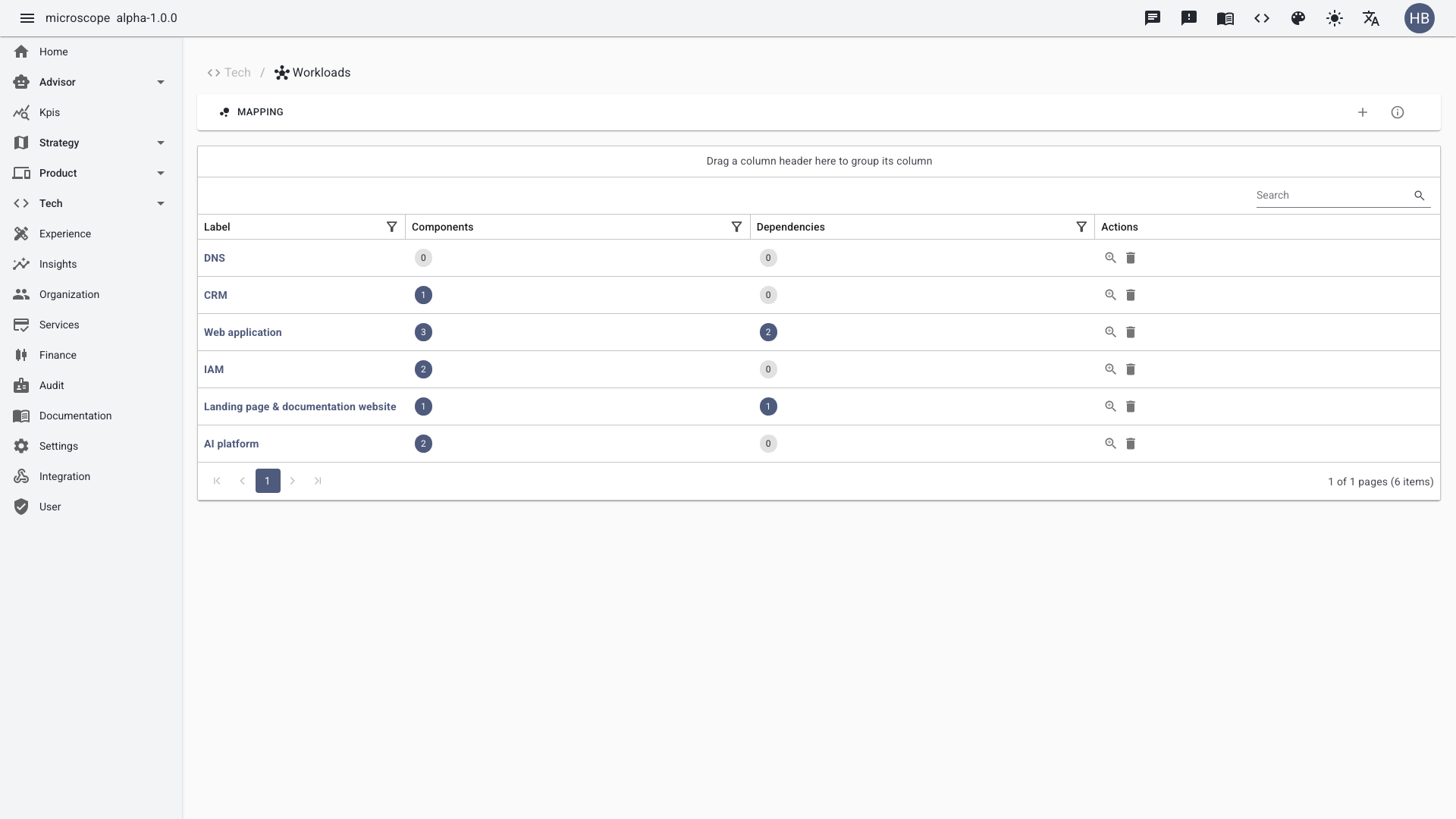
Listing workloads
The list view shows all workloads with their component and dependency counts, owner, and status. Filter and search to navigate the technical estate.
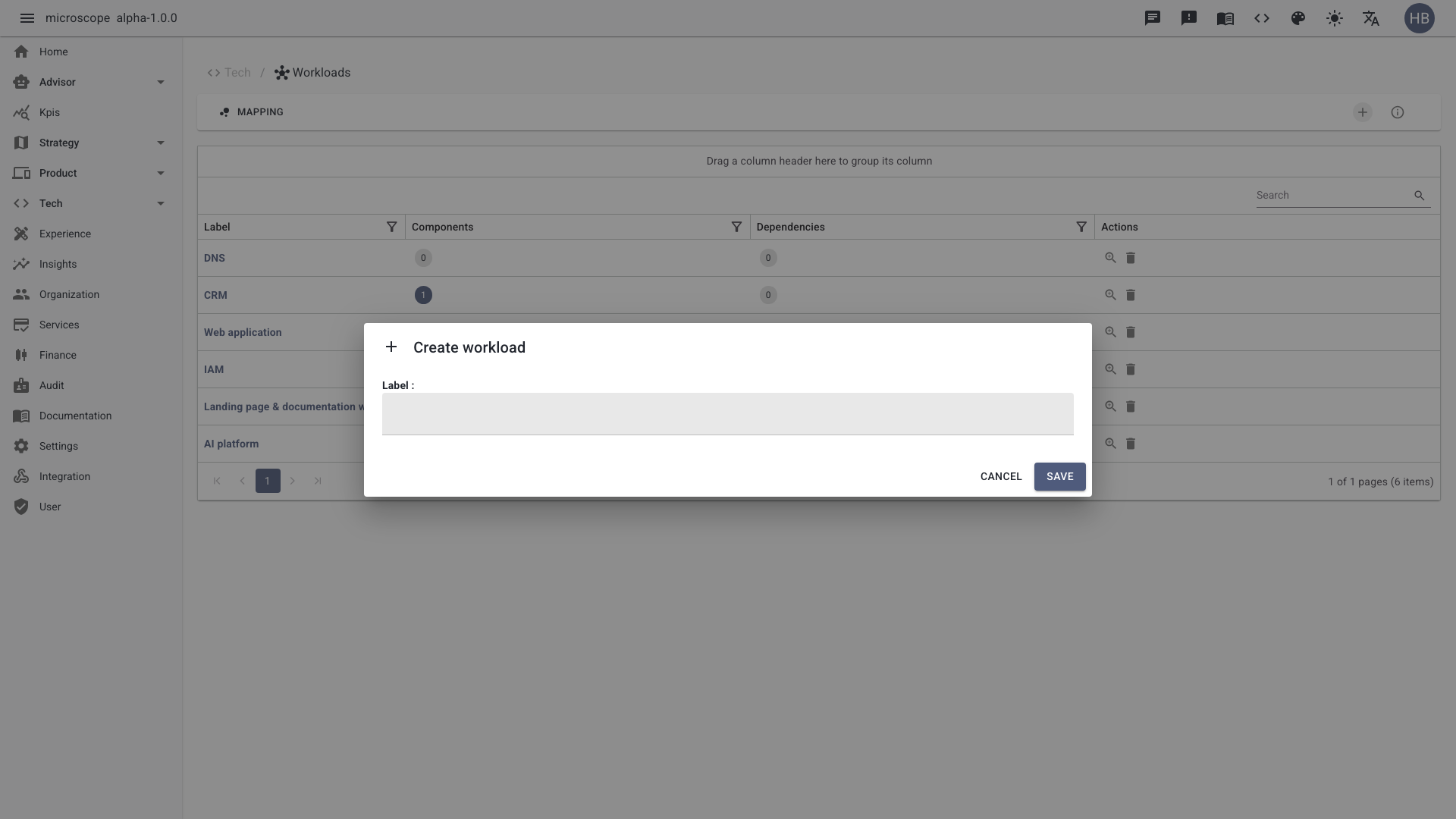
Create a workload
Use the Add button to open the workload form. Define the scope and owner, then save to add it to the estate. PRDs are then executed on the workload — that link is set from the PRD side.
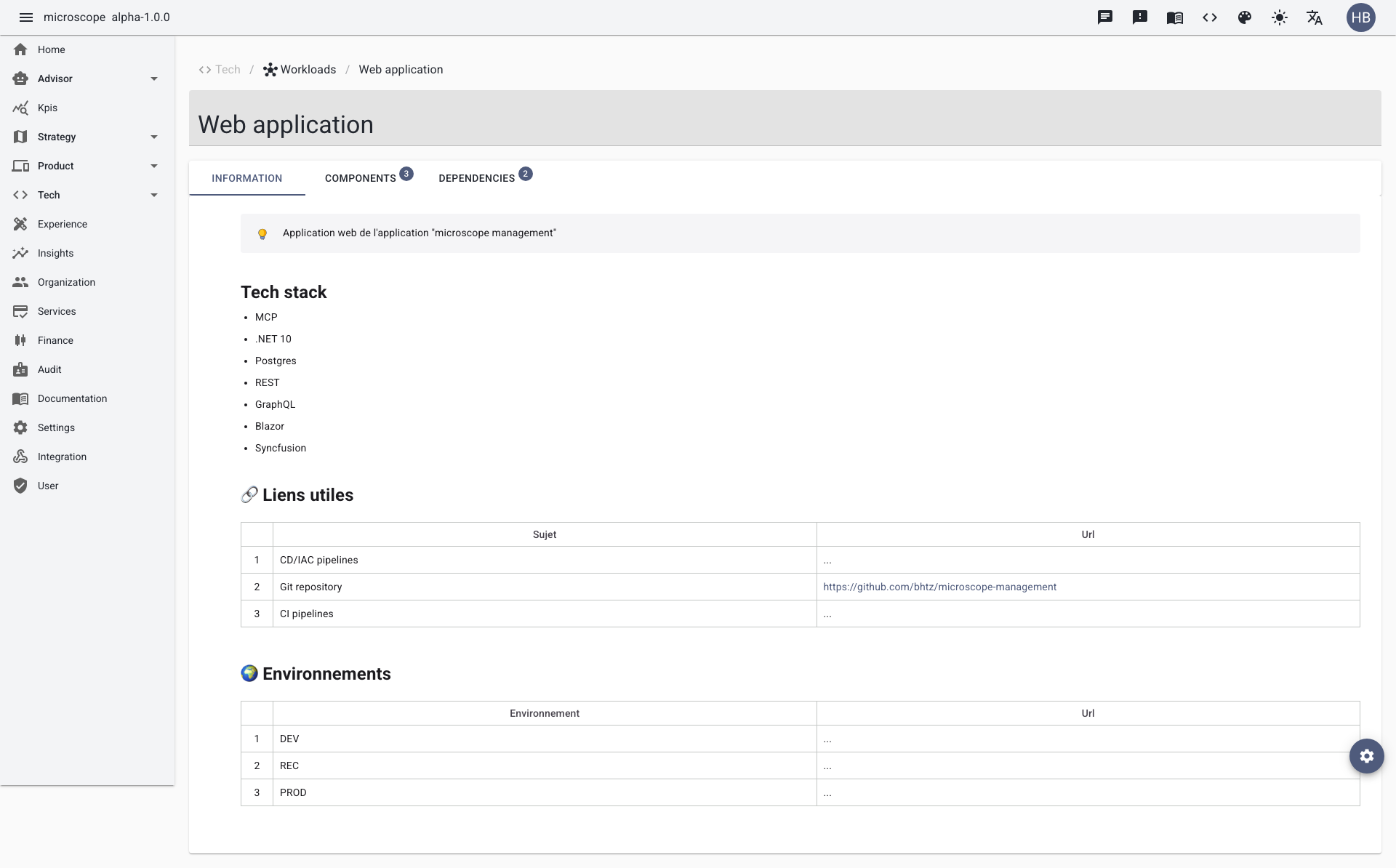
Workload detail
Open a workload to access its detail view, organized into tabs: Information, Components, and Dependencies.
Managing workload components
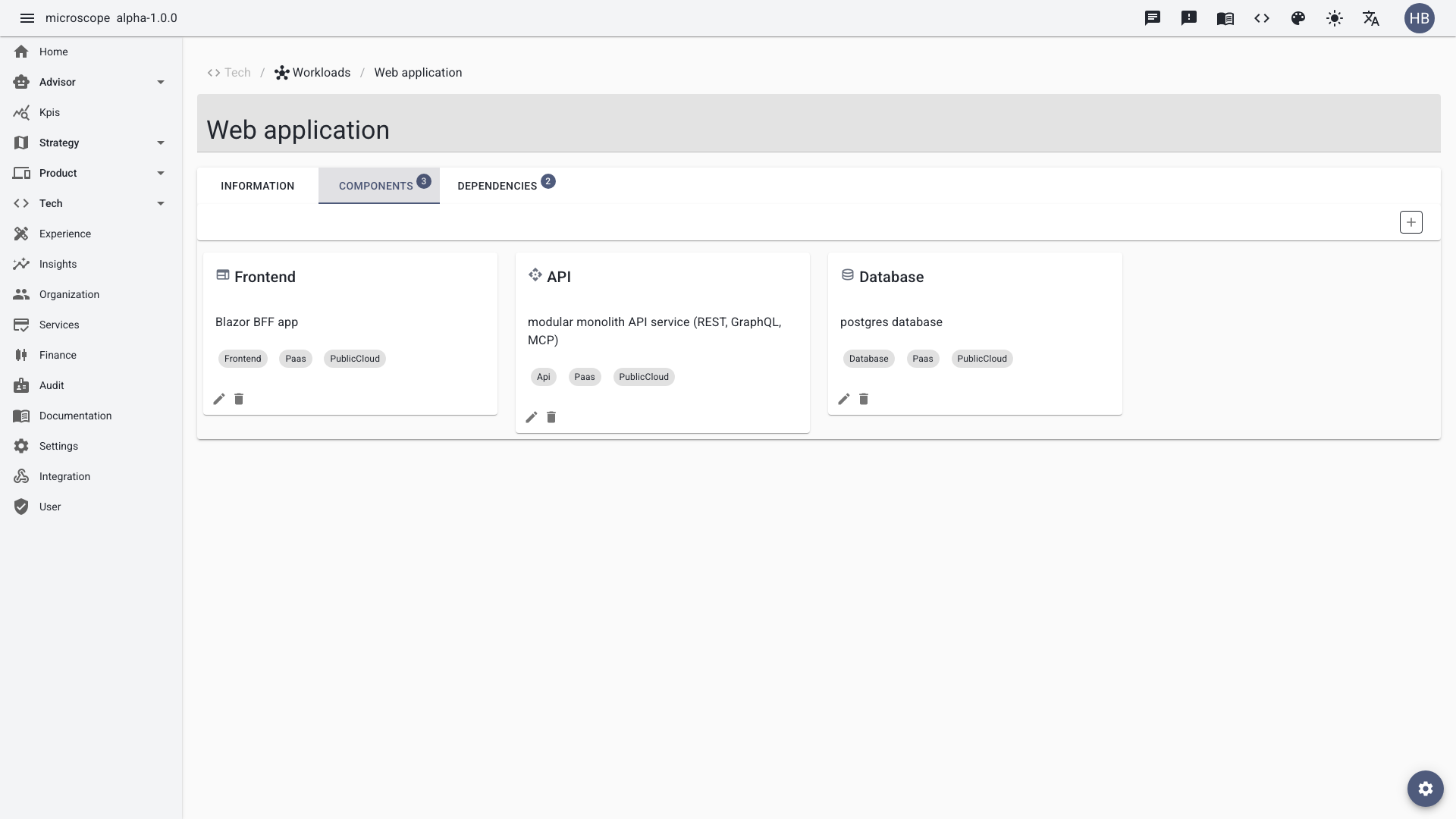
The Components tab lists the building blocks of the workload (services, modules, resources). Add, edit, or remove components to keep the architecture description accurate.
Managing workload dependencies
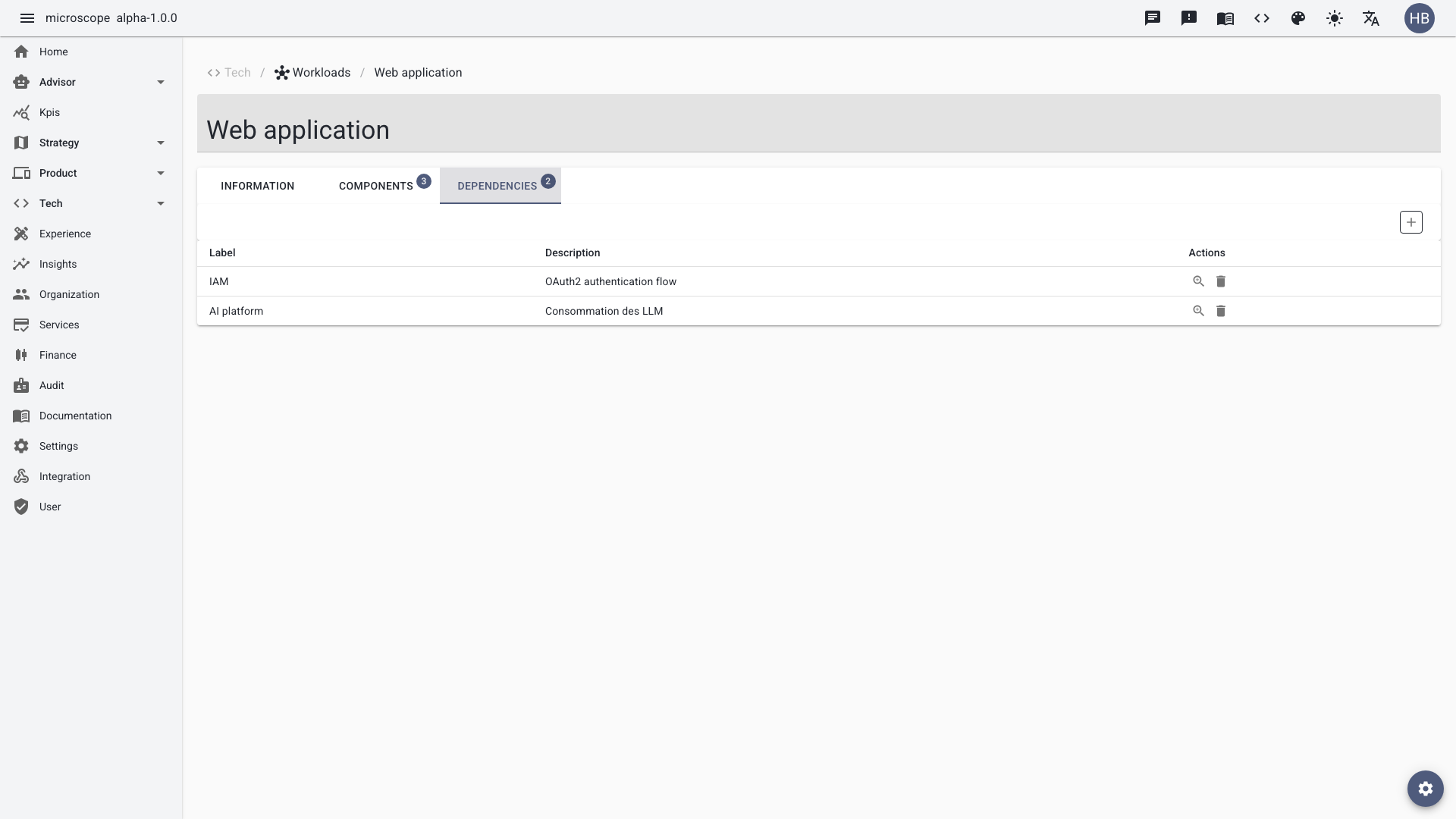
The Dependencies tab captures the relationships between this workload and others — upstream and downstream integrations. Keeping dependencies up to date is what powers impact analysis and the workloads mapping view.
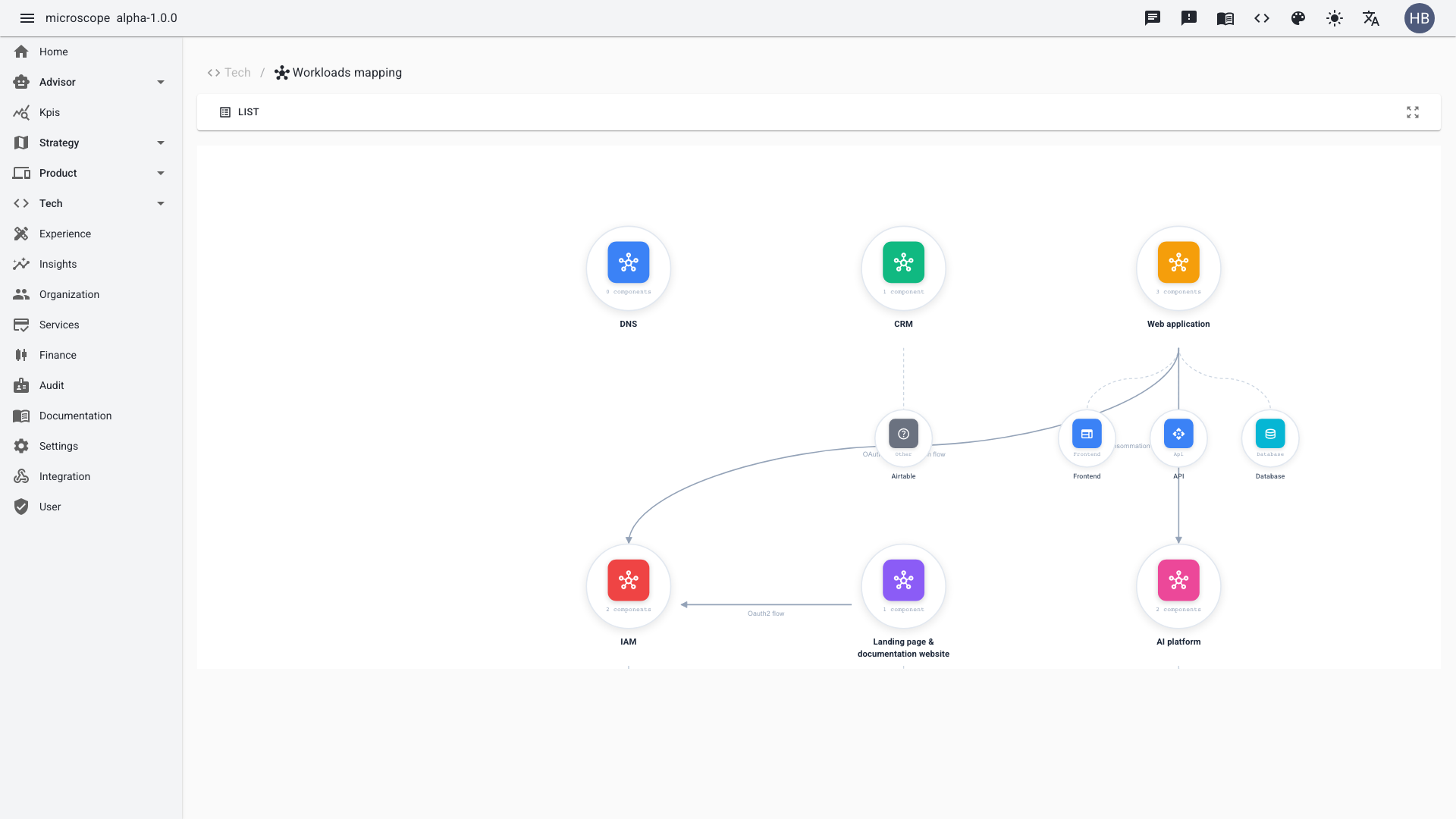
Workloads mapping
The Workloads mapping view visualizes the whole estate as a graph of workloads and their dependencies, making cross-service relationships and potential single points of failure easy to spot.