🚀 Strategic Initiative Portfolio
Definition
A Strategic Initiative is a high-level effort designed to achieve one or more OKRs. It translates strategy into actionable directions.
The Portfolio is the central view that lists all initiatives derived from OKRs. It provides visibility over scope, status, timeline, and traceability from strategy to execution.
How to define it properly
- Link each initiative to one OKR to maintain strategic alignment
- Define a clear scope and purpose
- Focus on outcomes, not just activities
- Assign a clear owner (team or leader)
- Break it down into PRDs or projects
- Keep it focused and time-bound
- Use status (Funnel, Implementing, Done…) to communicate progress at a glance
- Set start and end dates to feed the roadmap view
Portfolio list
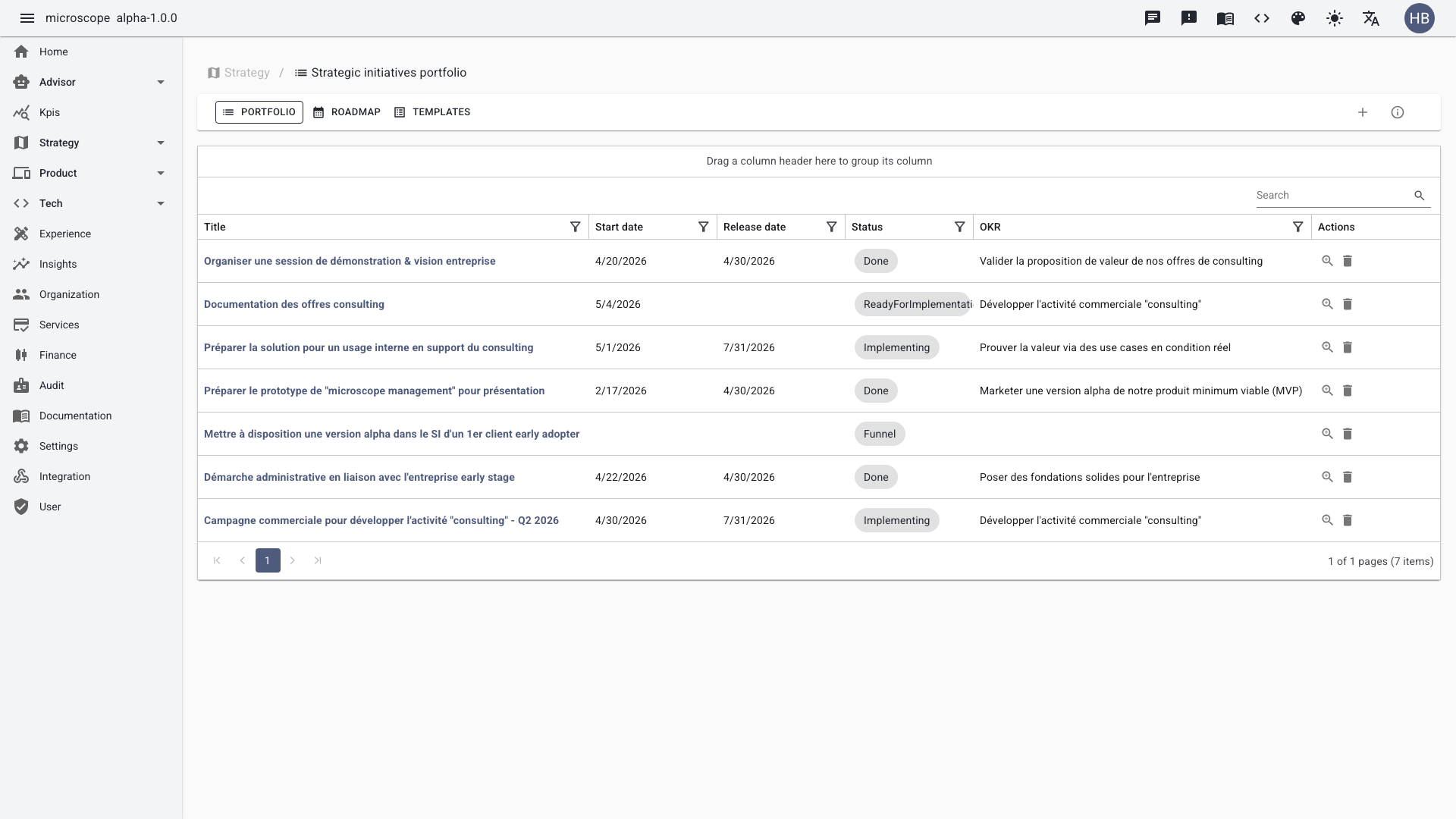
The list view shows all initiatives with their linked OKR, status, and dates. You can filter, sort, and search across the portfolio.
Create an initiative
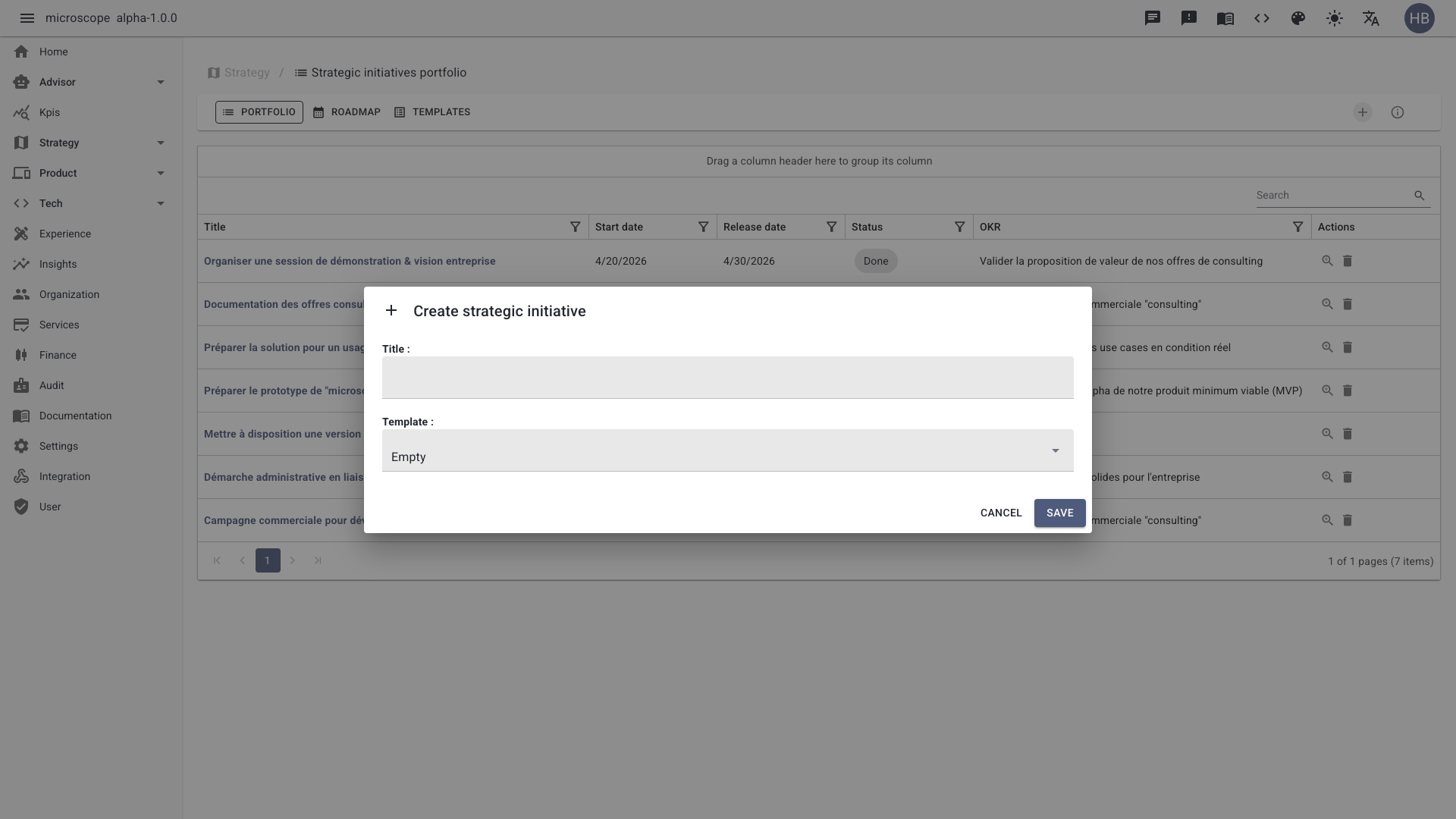
Use the Add button to open the creation form. Pick a template, link the parent OKR, set the scope and dates, then save to add the initiative to the portfolio.
Initiative detail
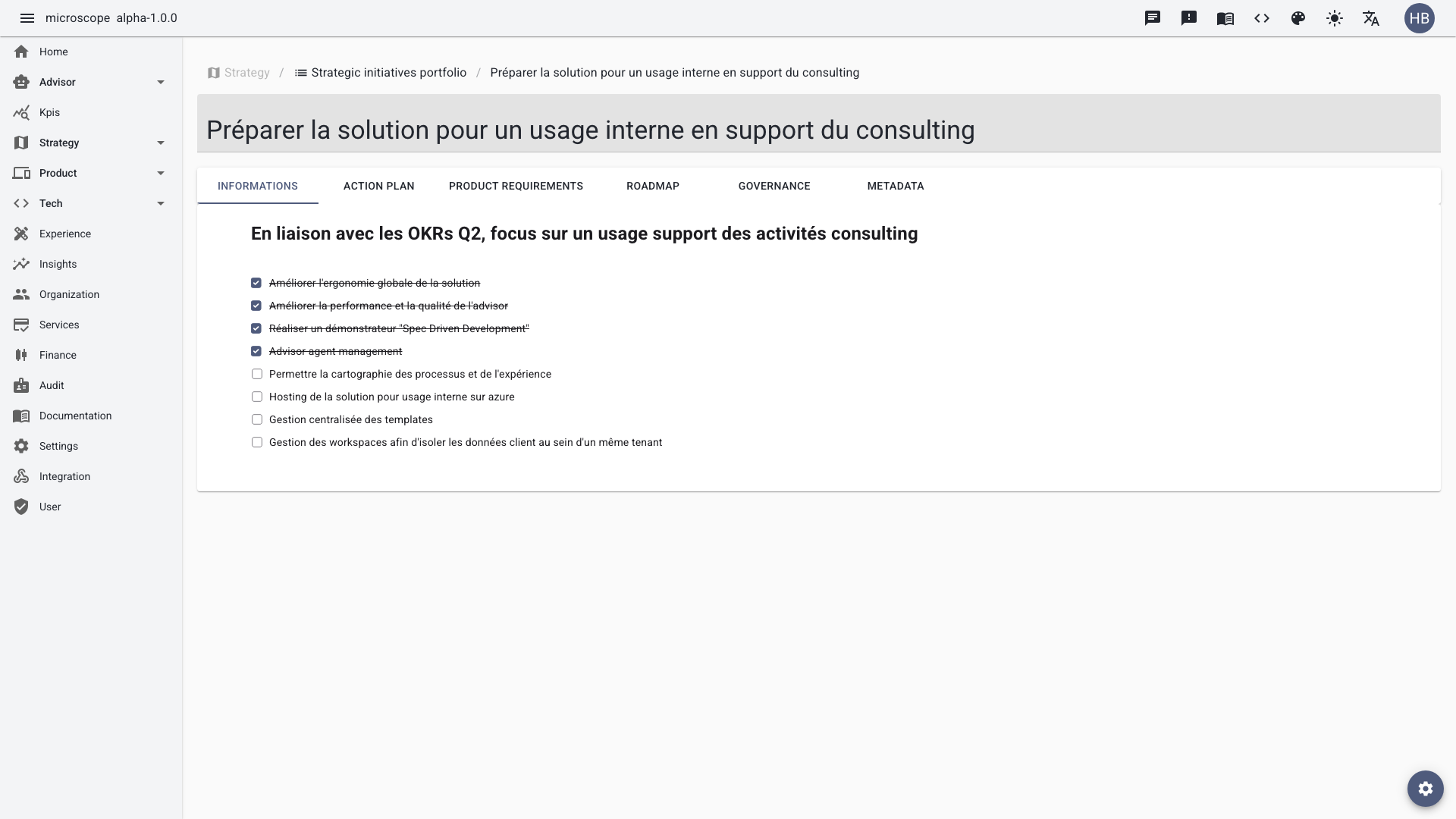
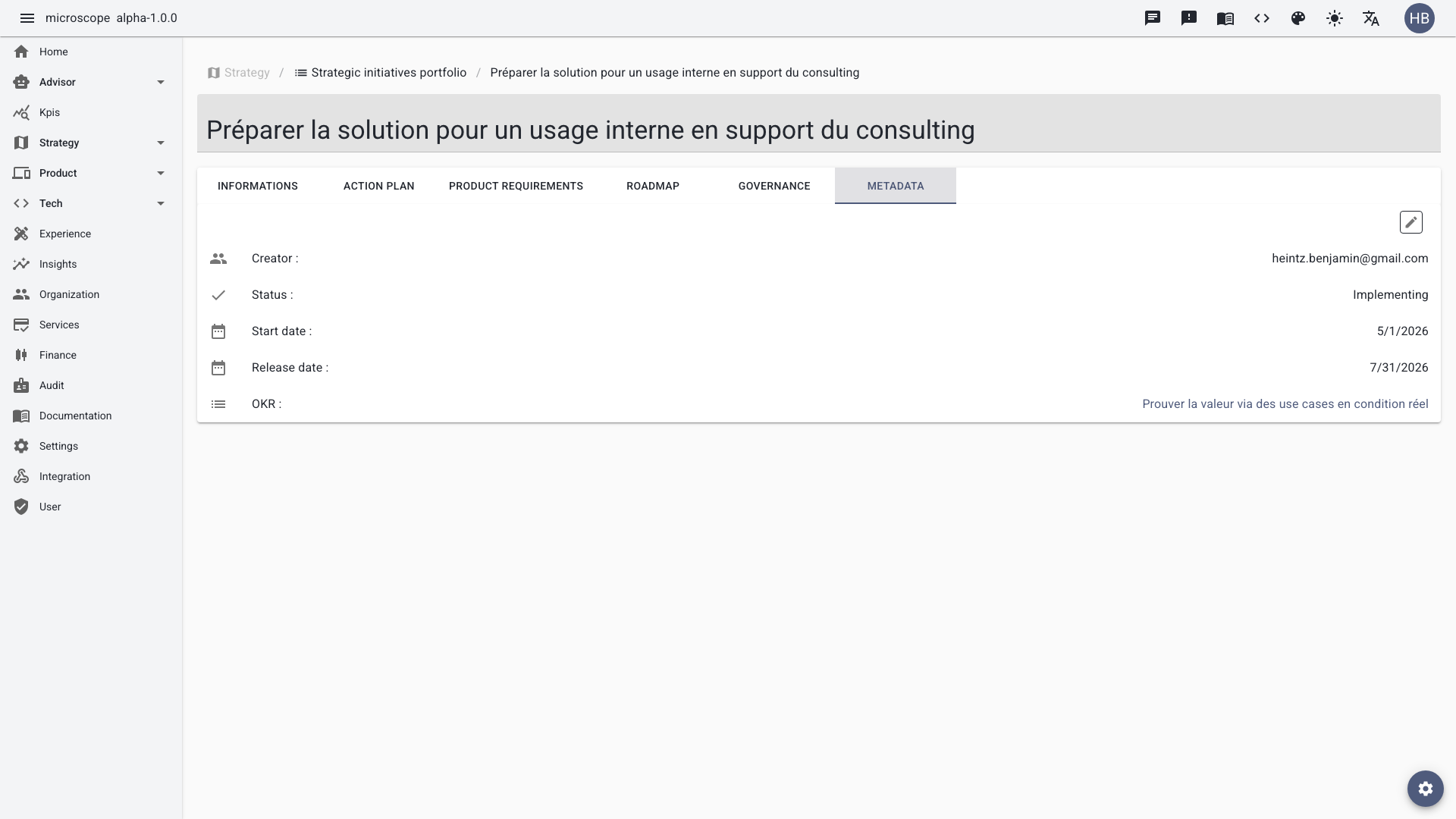
Each initiative opens on a detail page organized into structured tabs: Informations (the main canvas), Action Plan, Product Requirements, Roadmap, Governance, and Metadata.
Informations
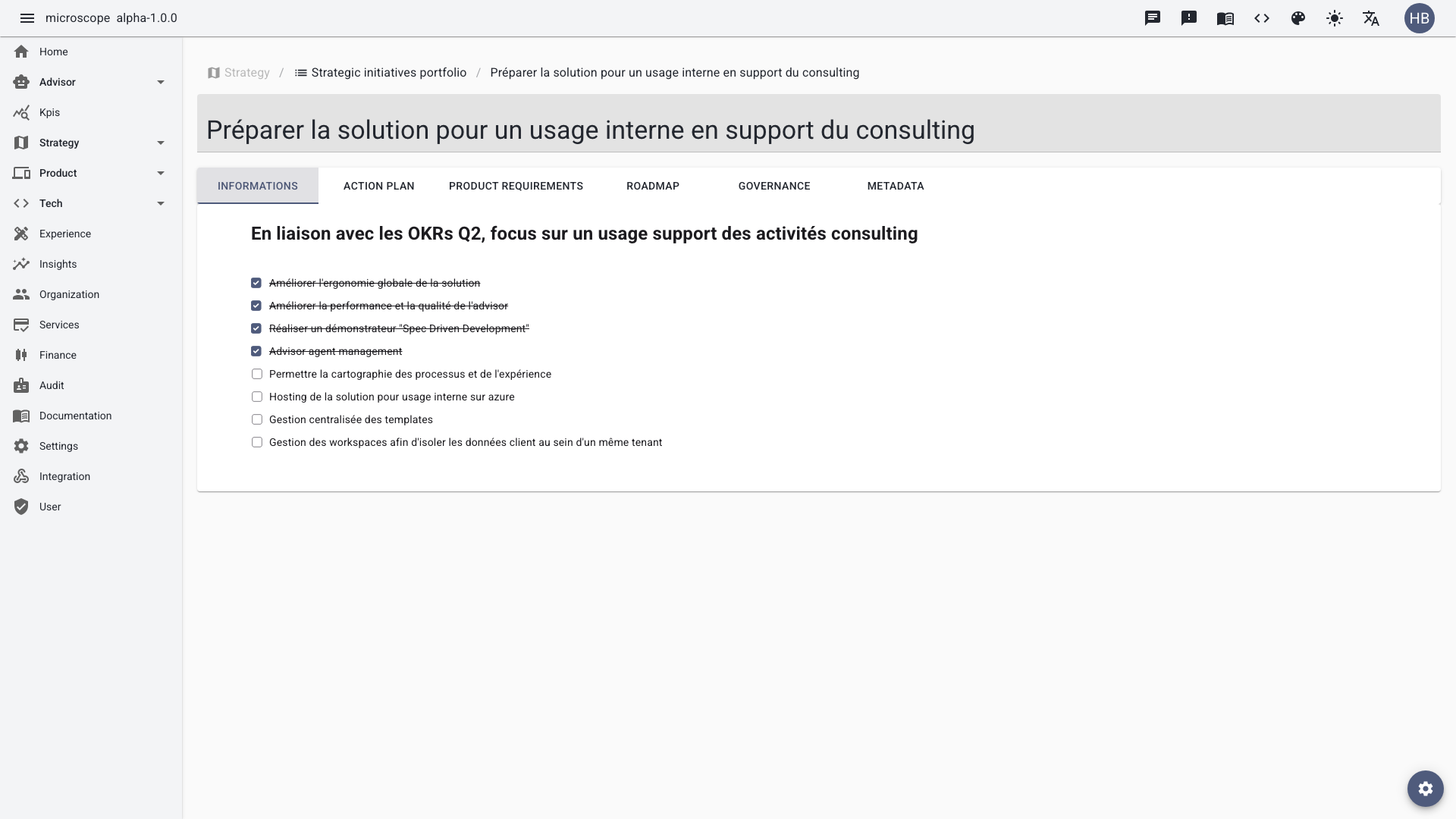
The Informations tab is the main canvas of the initiative: purpose, scope, linked OKR, status, and timeline. It is the single source of truth that every other tab builds upon.
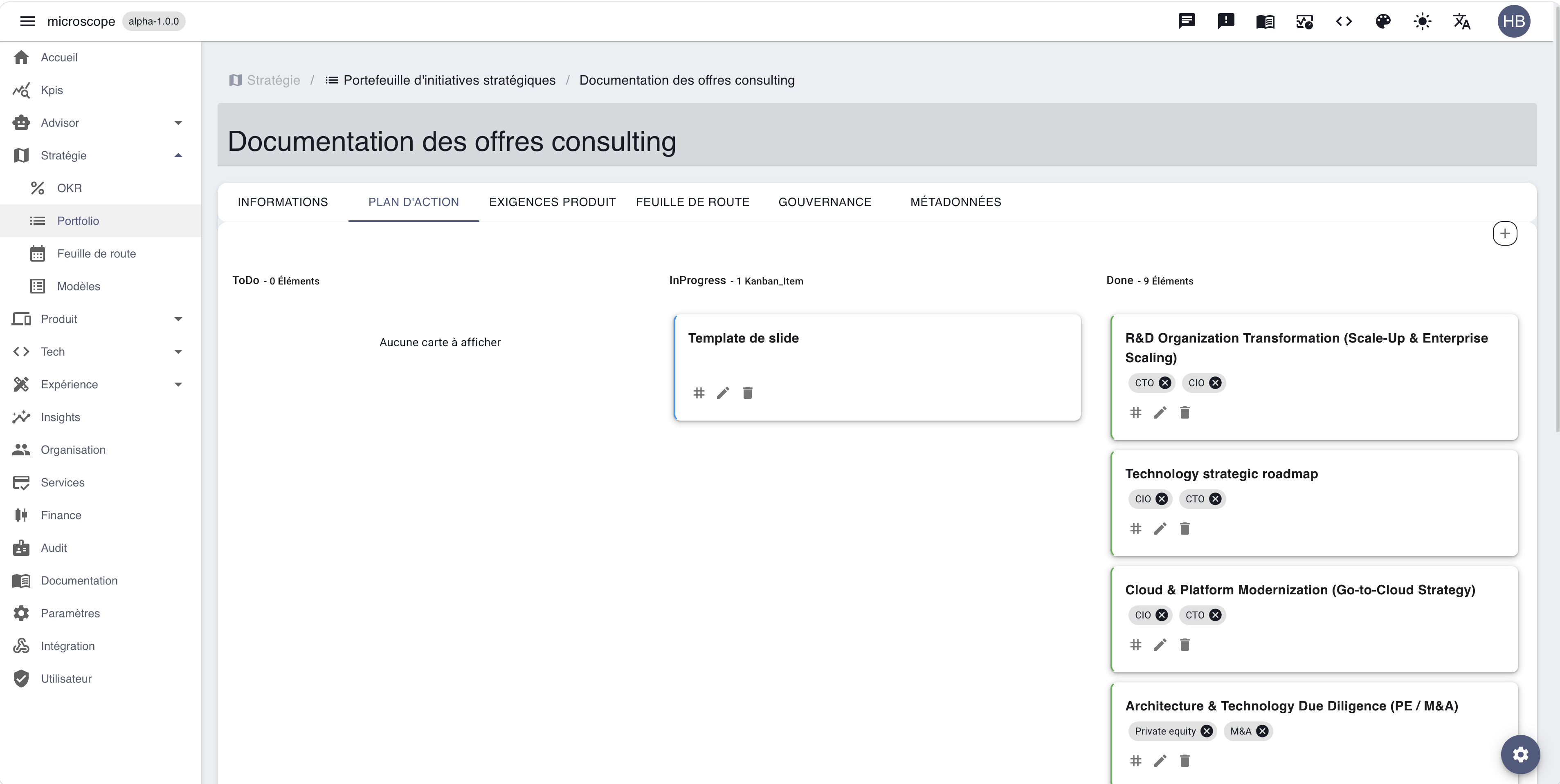
Action plan (Kanban)
The Action Plan tab provides a Kanban board with three columns: To Do, In Progress, and Done. Use it to track the concrete tasks that make the initiative move forward.
Product requirements
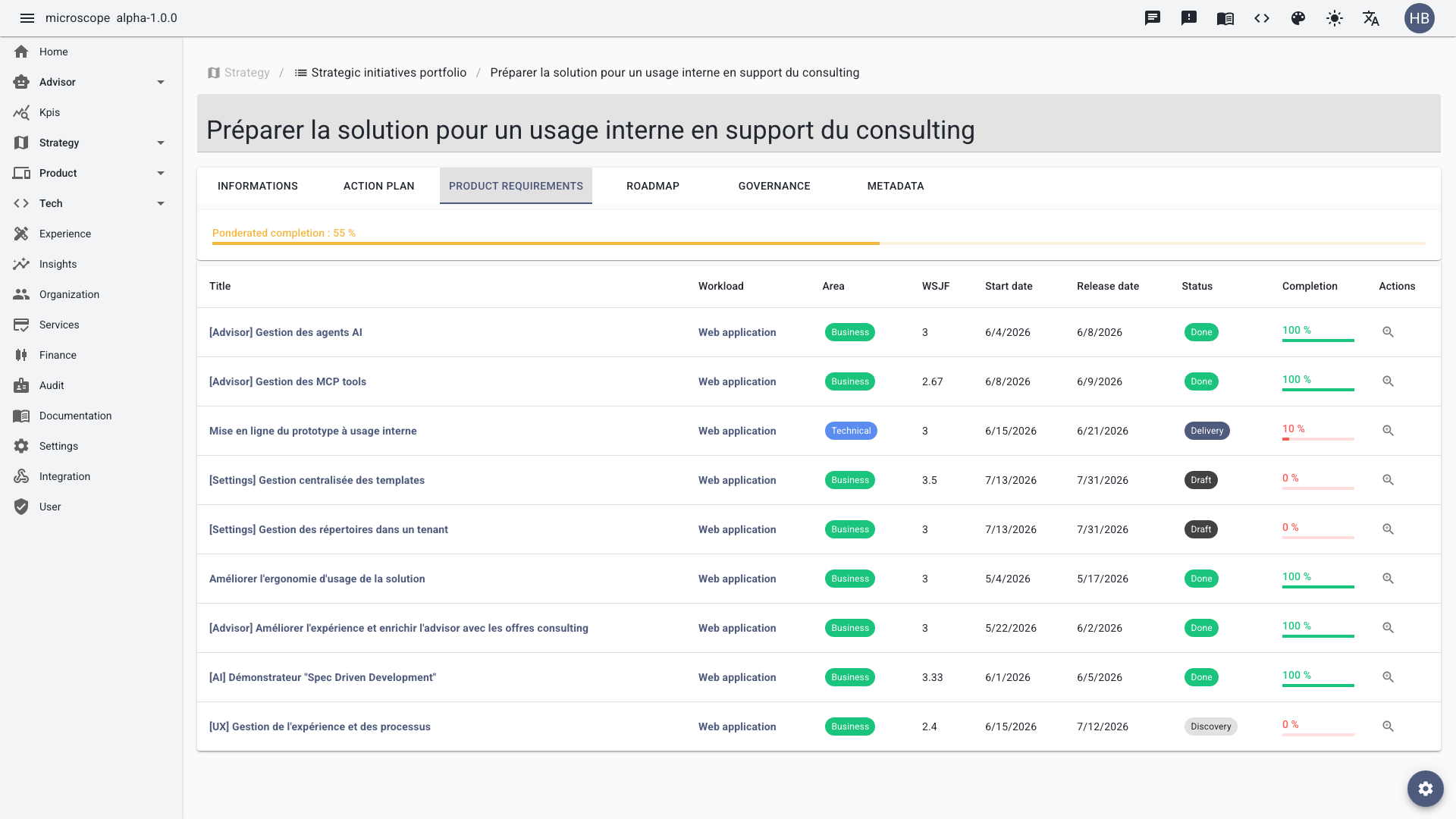
The Product Requirements tab lists the PRDs attached to the initiative, giving direct traceability from strategy down to delivery.
Roadmap
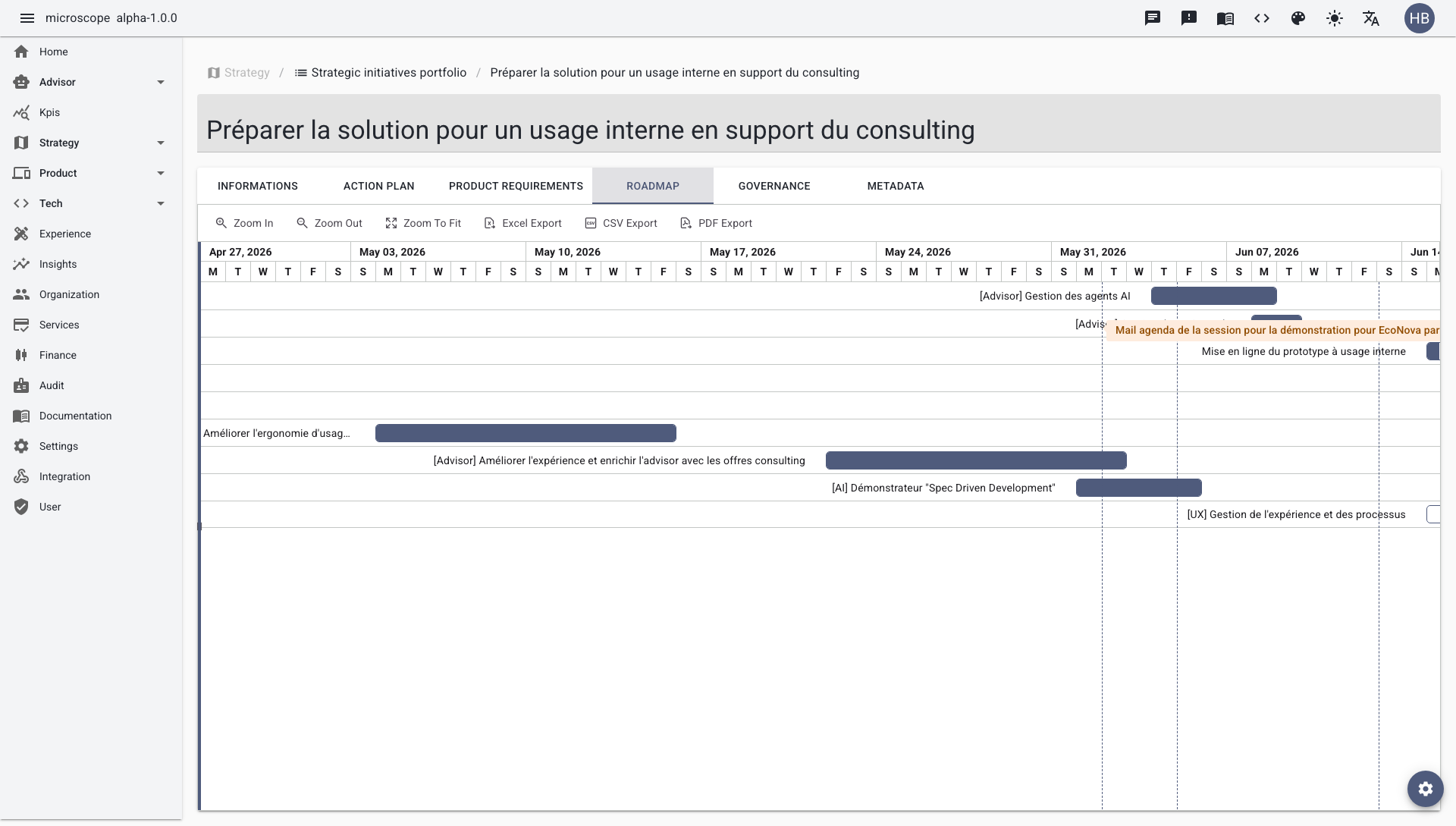
The Roadmap tab displays the initiative's items on a Gantt timeline to visualize sequencing and milestones.
Governance
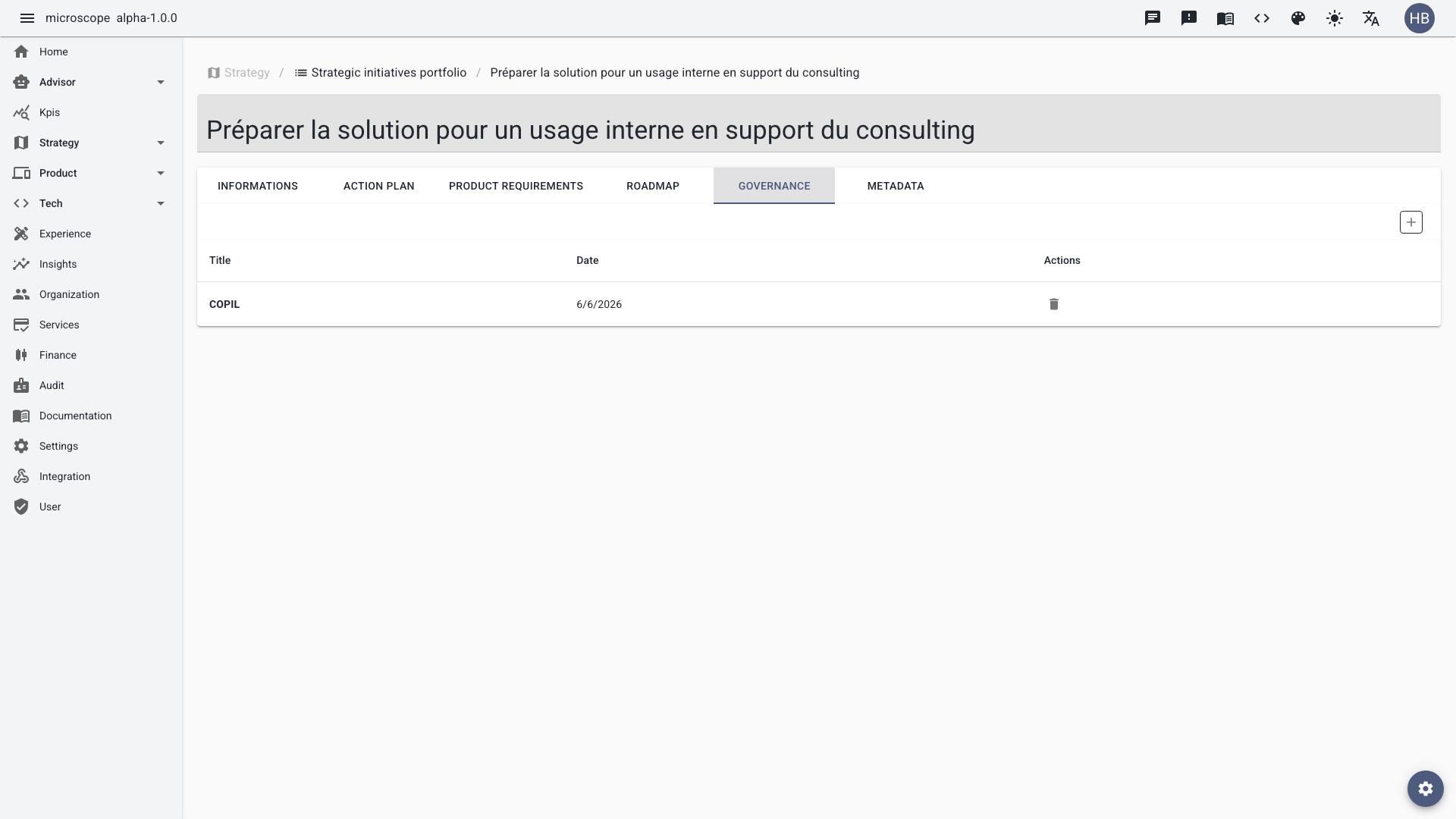
The Governance tab tracks governance instances (reviews, checkpoints, decisions) that keep the initiative aligned and accountable.
Metadata
The Metadata tab gathers complementary attributes (dates, ownership, classification) used for reporting and traceability.
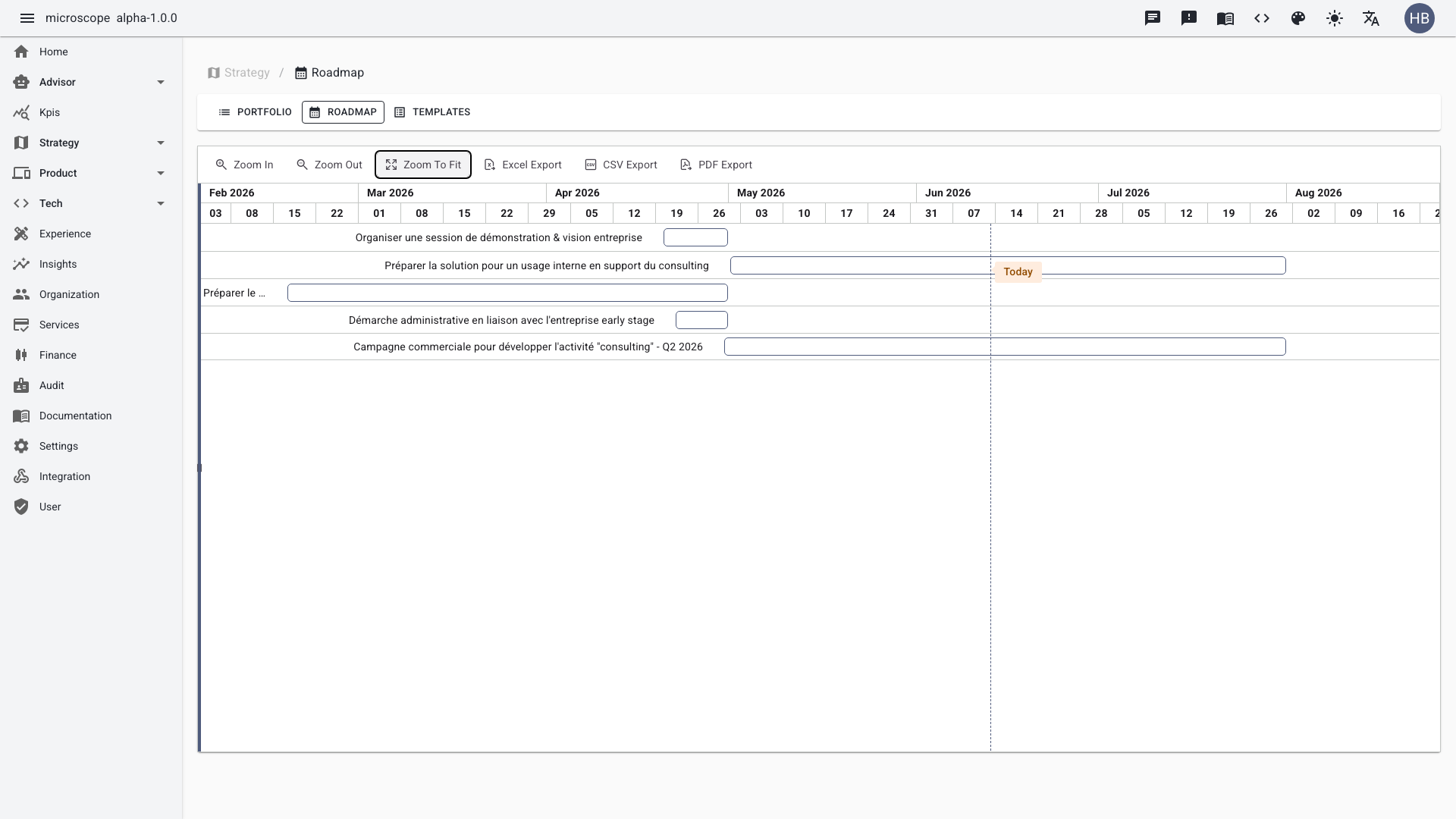
Roadmap view
At portfolio level, the roadmap displays initiatives on a Gantt timeline. Use Zoom in/out and PDF/CSV export for stakeholder sharing.
Initiative templates
Templates define the structure of an initiative (sections, checkpoints, expected content). Create a template once, reuse it across all initiatives of the same type.
Templates are now managed centrally in Settings → Templates, alongside every other content template in the platform. Create one with the target type Strategic Initiative, and it appears in the Template dropdown of the initiative creation form — the body and editor type are prefilled, while the title stays yours.