🎭 Agents
Definition
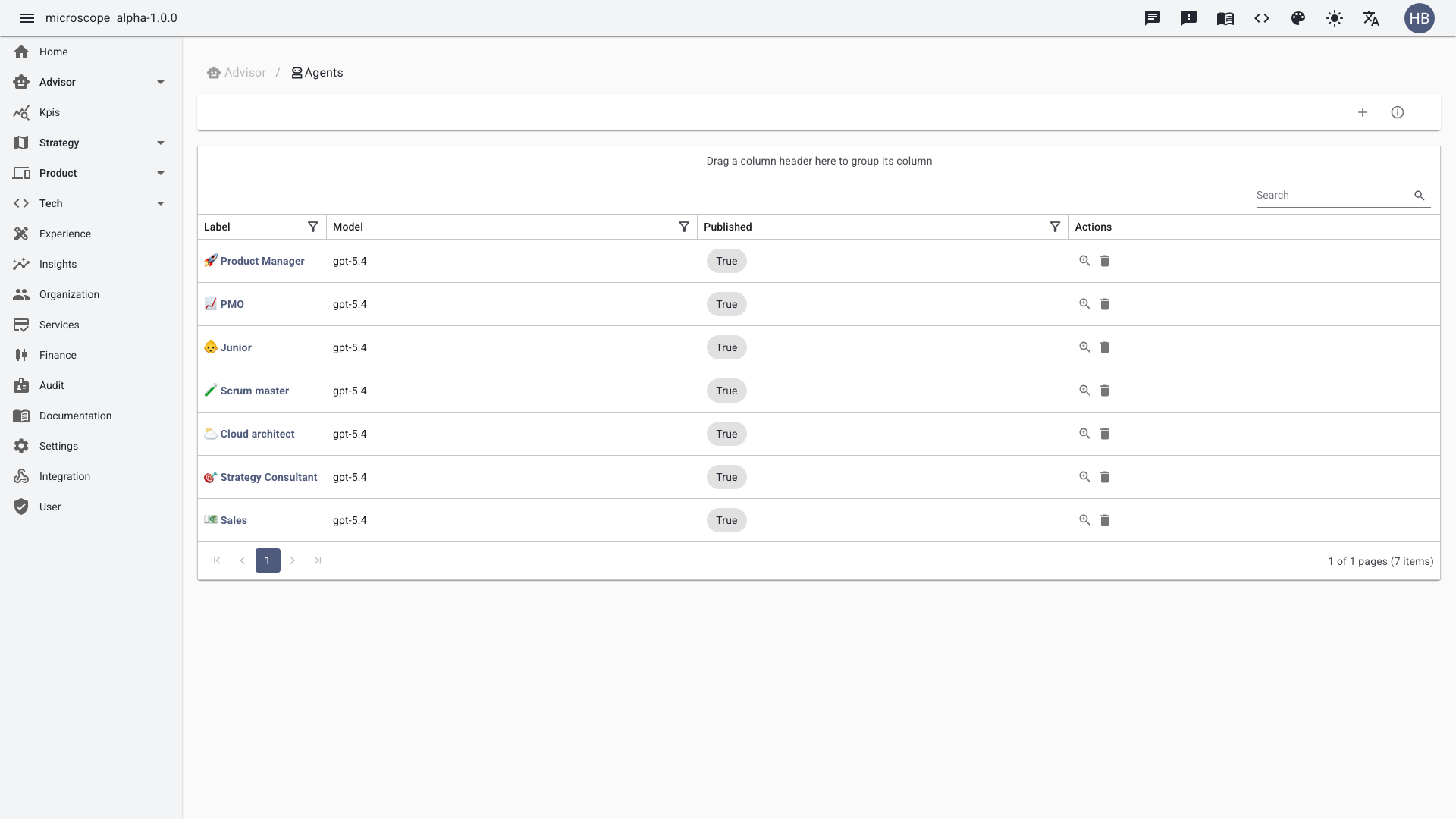
An Agent is a configurable AI persona your team chats with. The available agents are the ones created in your own tenant — there is no fixed list. Each agent has its own model, system prompt, options, and tools, and you pick the one that fits your context for a given conversation.
Agent selection
- Personas are fully customizable. The following are only common examples teams tend to set up — not built-in roles:
- Product Manager → product strategy, prioritization, requirements, and user value
- Engineering Manager → delivery, team capacity, technical execution and quality
- Scrum Master → agile facilitation, ceremonies, flow, and impediment removal
- Cloud Architect → cloud architecture, scalability, infrastructure and cost
- Strategy Consultant → business strategy, OKRs, transformation, and trade-offs
- PMO → portfolio governance, planning, reporting, and cross-initiative coordination
- Each agent adapts tone, reasoning, and recommendations to its domain
Manage the available agents from the Agents view: create, configure, and publish the personas your team can chat with.
Configuring an agent
Open an agent to control how it behaves:
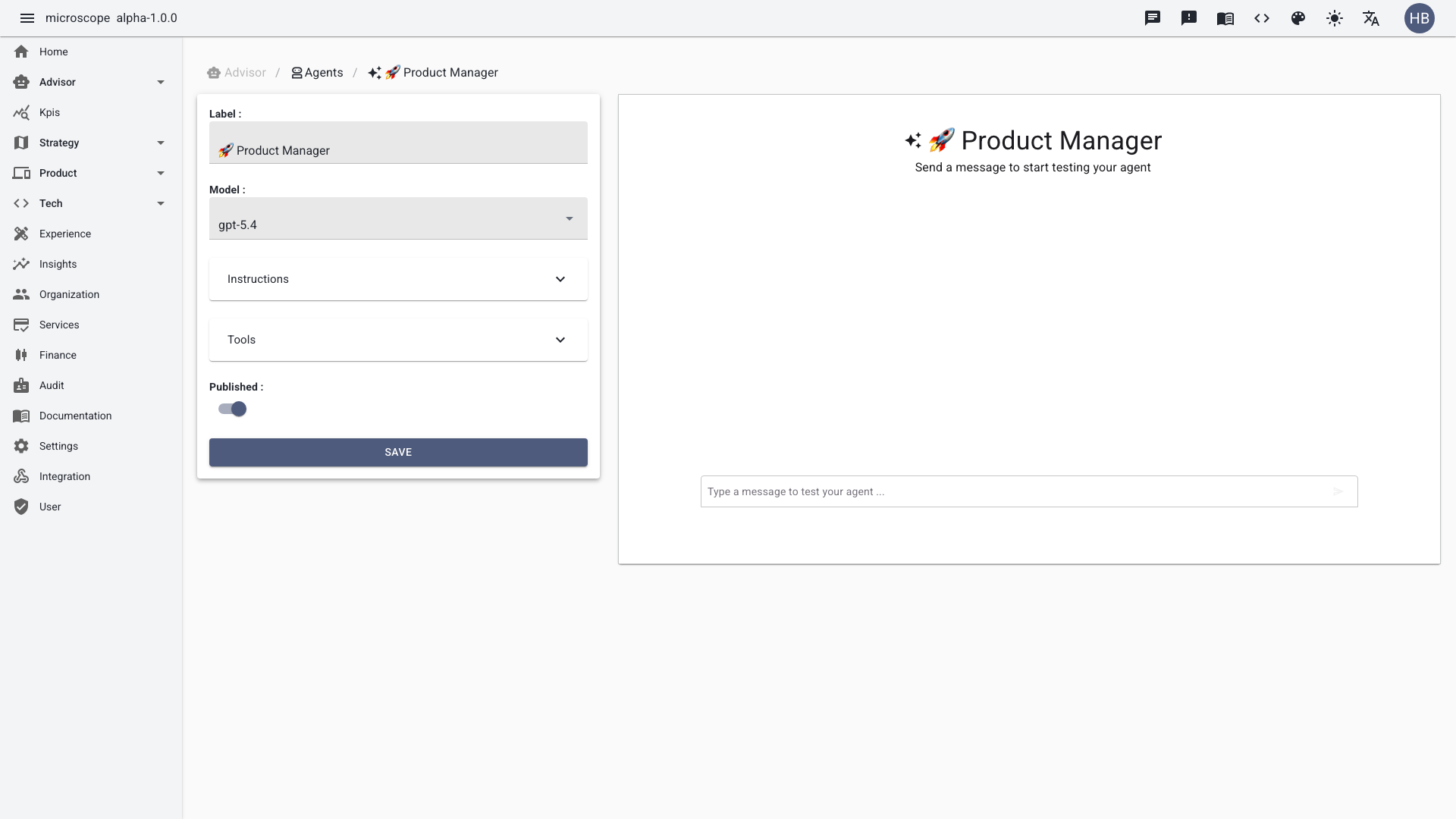
- Model — the underlying LLM the agent runs on. ⚠️ More recent and more capable models give better answers but consume more credits per request; choose the model that matches the task's complexity.
- Instruction (system prompt) — the agent's personalization: its role, tone, domain focus, and guardrails. This is what turns a generic model into a "Product Manager" or "Cloud Architect" persona.
- Options
- Web search — lets the agent retrieve up-to-date information from the web.
- Code interpreter — lets the agent run code to compute, analyze data, or generate files.
- MCP tools — the tools exposed through the Model Context Protocol that the agent can call to read and act on your structured Microscope data (OKRs, initiatives, PRDs, workloads…). See Spec Driven Development.
Once configured and published, an agent becomes selectable in the chat.